Disclosure: CuttingTo.com earns a commission from qualifying purchases made through links on this page, at no extra cost to you.
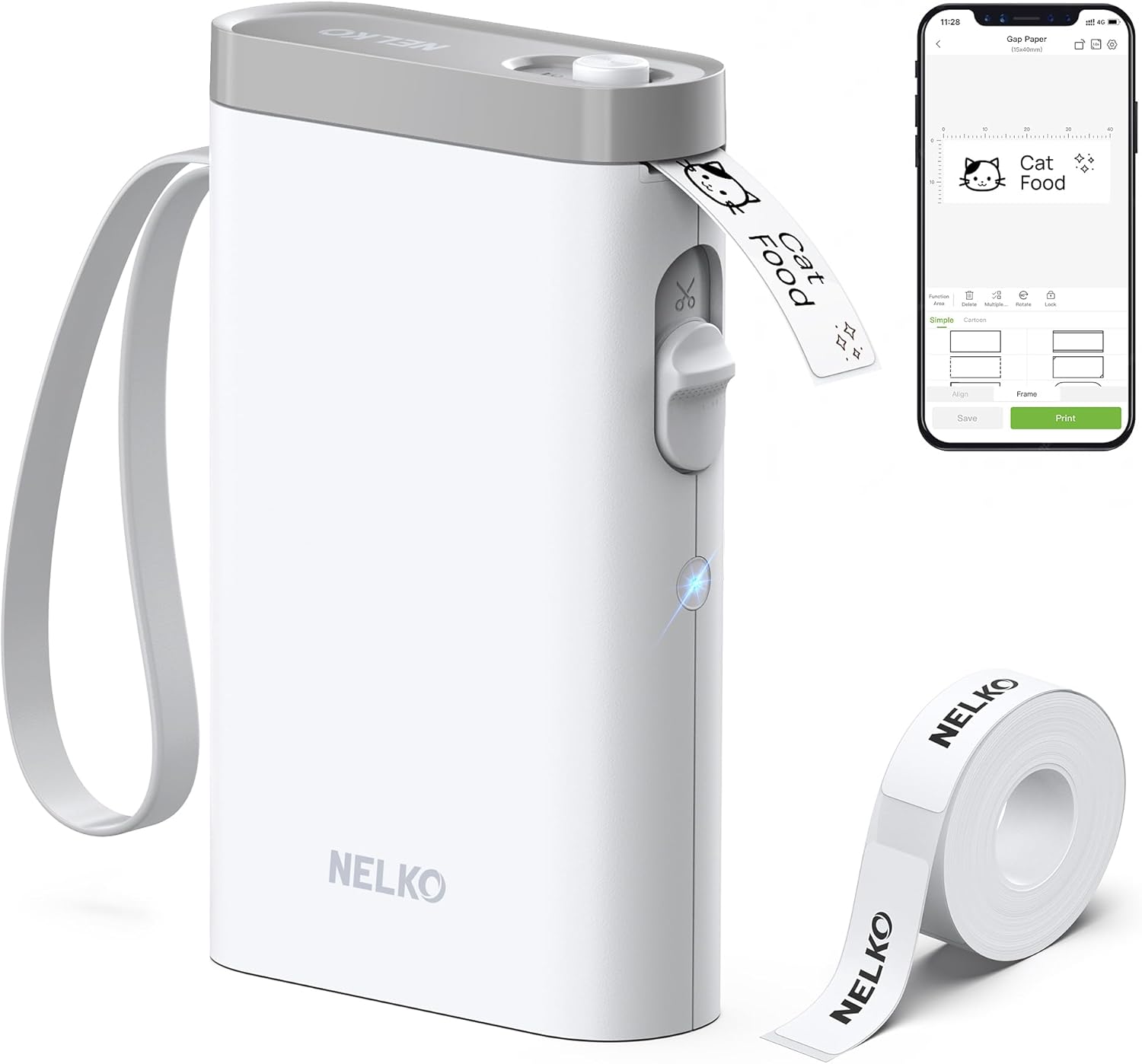
The Nelko P21 is a compact Bluetooth label maker that prints adhesive labels from a phone app, using thermal printing instead of ink. It is a popular pick for organizing kitchens, offices and classrooms. This review covers its features, how it compares with similar mini printers, and what to know before you buy.
The P21 connects to Android and iOS phones through the Nelko app. Designing on a phone screen is faster and more flexible than typing on a tiny keyboard, with templates, fonts, icons and borders to choose from.
Inkless thermal printing
Thermal printing uses heat-sensitive label tape, so the only ongoing cost is replacement tape. There are no cartridges to dry out or clog.
Rechargeable battery
A built-in battery means no AAA batteries to replace, and it is easy to carry between rooms or to the office.
Compact size
Small enough for a drawer, backpack or desk organizer.
Best uses
Home: pantry jars, storage bins, freezer bags, cables and chargers
Office: folders, shelves, equipment and shared supplies
School: books, notebooks, lunch boxes and classroom materials
Small business: price tags, shelf labels and simple product stickers
Pros and cons
Pros: easy wireless design, no ink, rechargeable, lots of templates, low running cost.
Cons: narrow labels only, needs a phone and app, some advanced app features take time to learn, thermal labels can fade with long exposure to heat or sunlight.
Nelko P21 vs. Phomemo D30
Both are pocket-sized Bluetooth thermal label makers designed for the same jobs. Differences usually come down to the app you prefer, label tape prices and availability, and specific label sizes supported. If you are choosing between them, compare the cost and variety of compatible tape rolls, since that is the long-term expense. Read our full Phomemo D30 review to compare.
Getting started
Charge the printer fully.
Install the Nelko app and turn on Bluetooth.
Load a compatible label roll.
Connect the printer in the app, design your label and print.
Frequently asked questions
Does the Nelko P21 need ink?
No. It prints with heat on thermal label tape.
Can I use it without a phone?
No. Labels are designed and sent from the app on your phone or tablet.
Are the labels waterproof?
Some compatible tapes are water- and oil-resistant. Check the specific tape you buy if you plan to label freezer or kitchen items.
Final verdict
The Nelko P21 is a simple, affordable way to label almost anything at home, work or school. If you are happy designing labels on your phone, it is a practical organizing tool with low running costs.